SchemaShow
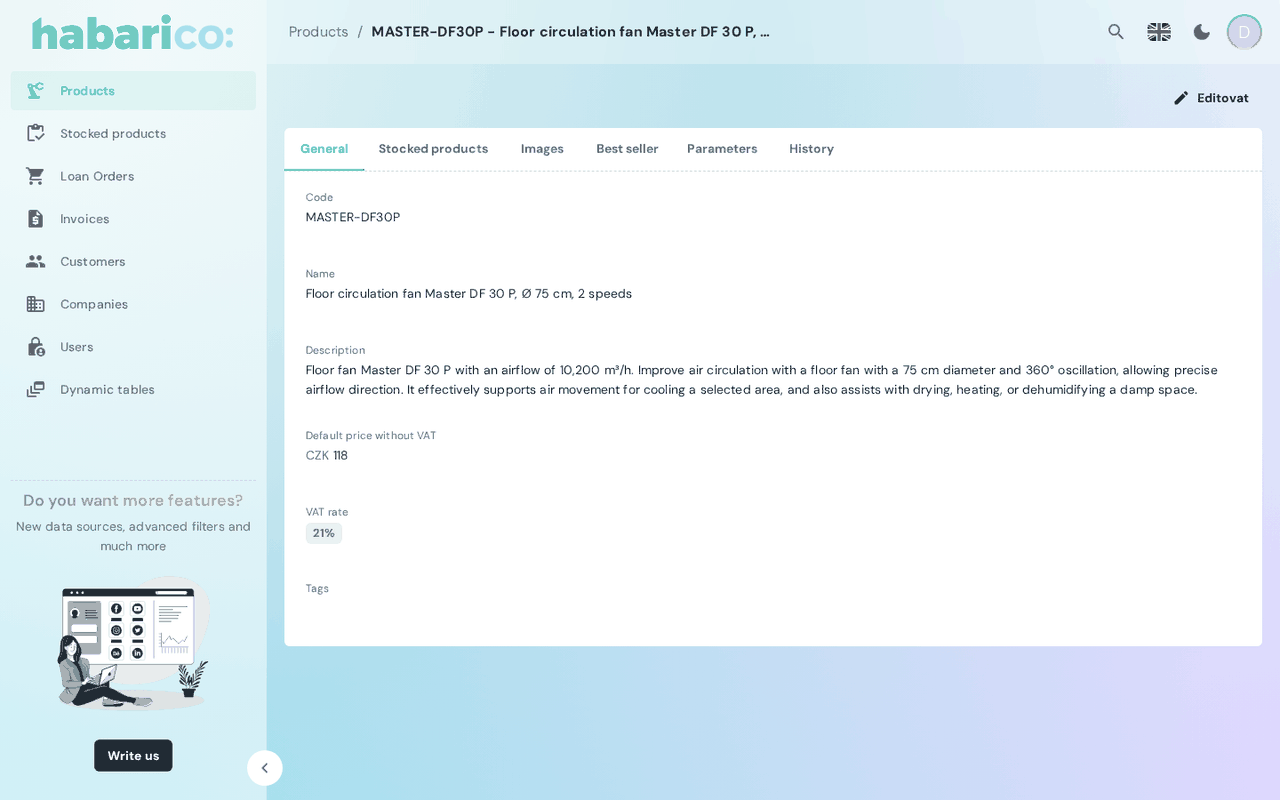
Renders the read-only detail view of one record, laid out by the boxes the schema declares.
A resource gets this view automatically. Mount it explicitly to pass a slot or to replace the generated content.
Example
<SchemaResource
  name="eshop/order"
  show={
    <SchemaShow>
      <OrderShowContent />
    </SchemaShow>
  }
/>
Props
| Name | Type | Default | Description |
|---|---|---|---|
name | string | 'show' | Which show view of the schema to render, when the resource has several |
children | ReactNode | generated content | Replaces the generated layout |
title | ReactNode | <SchemaViewTitle /> | Card header; falls back to the record's meta.repr in a dialog |
toolbarActions | ReactNode | <SchemaViewToolbarActions /> | Buttons next to the title; null removes them |
The slots are described in detail on View slots.
What the schema drives
DetailViewParameters.box is the layout — tabs, grids, related lists — and
DetailViewParameters.toolbarActions are the buttons. Because the show view requests the
per-record schema, actions and boxes can differ per record: an order that is already paid can be
served a schema without the “Mark as paid” action rather than a disabled button.
See also
- Show/detail view — declaring the view on the Ruby side
- SchemaEdit — the editable counterpart
- Layout components — the boxes doing the layout